STEMAIR Academy — STEM Creator
Recommended Age: 09–11 Years

STEM Creator

Imagine It. Code It. Build It.

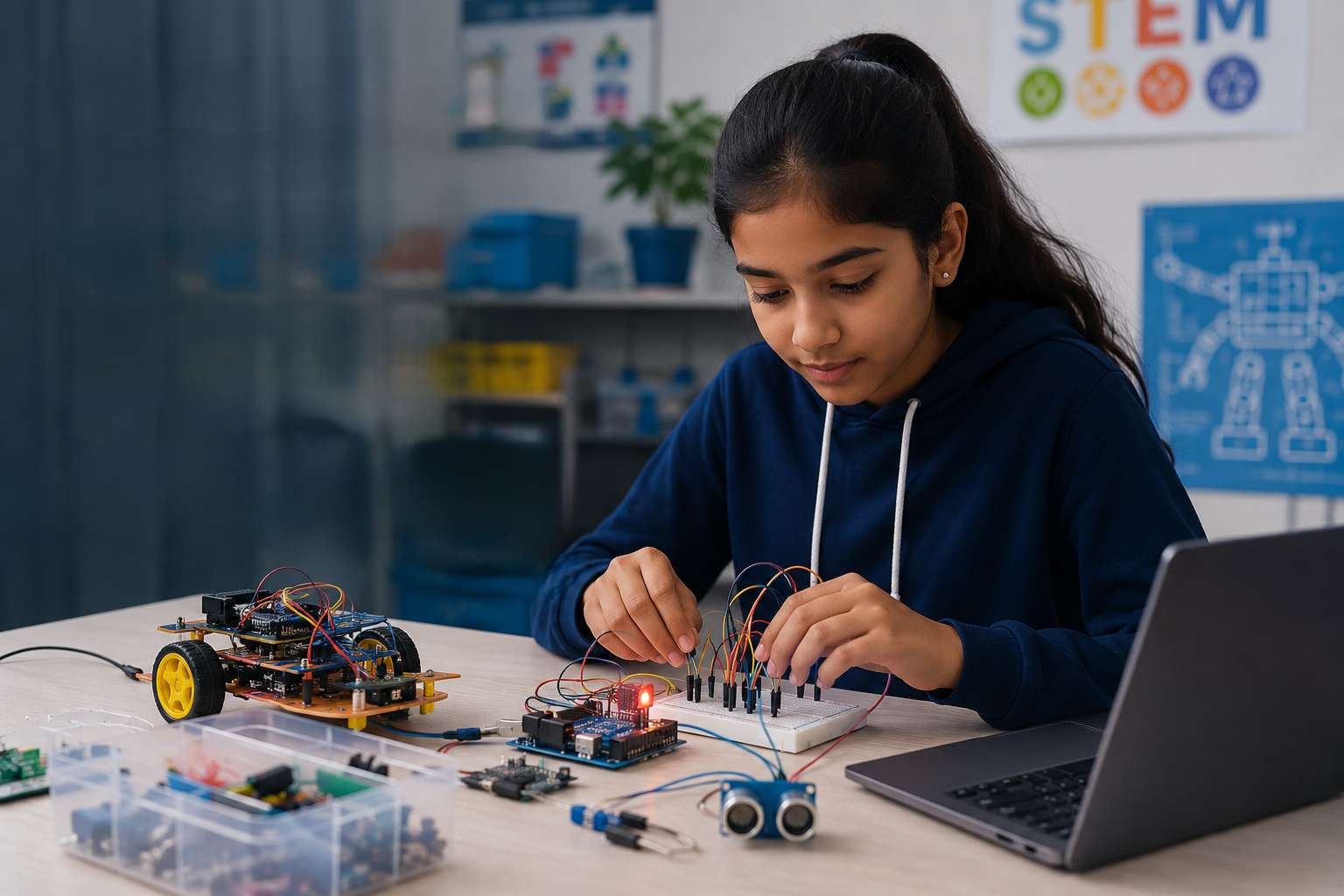
STEM Creator introduces students to more structured programming and real electronic components. Students begin creating interactive games, building circuits, understanding sensors and programming beginner microcontroller projects. The emphasis shifts from following instructions to designing and creating their own solutions.
Coding
Electronics
Sensors
Engineering
Beginner Robotics

Curriculum Modules

Scratch Game Development

Students move beyond simple animation and learn how games work
  • Sprites
  • Coordinates
  • Events
  • Loops
  • Conditions
  • Variables
  • Scores
  • Timers
  • Broadcasting
  • Collision detection
  • Game logic
Creative Coding

Students build interactive, story-driven projects
  • Animated stories
  • Interactive quizzes
  • Educational games
  • Maze games
  • Digital simulations
Electronics Fundamentals

Students understand commonly used electronic components

  • Voltage and current
  • Batteries
  • LEDs
  • Resistors
  • Buzzers
  • Motors
  • Push buttons
  • Breadboards
  • Series and parallel connections
  • Basic circuit troubleshooting
Introduction to Sensors

Students discover how electronic systems understand their surroundings

  • LDR light sensor
  • Ultrasonic sensor
  • IR sensor
  • Soil moisture sensor
  • PIR motion sensor
  • INPUT → PROCESS → OUTPUT
Introduction to Arduino

Students are introduced to microcontrollers and physical computing

  • What Arduino is
  • Digital input
  • Digital output
  • Basic Arduino programming
  • Connecting LEDs
  • Connecting buzzers
  • Reading sensors
  • Controlling servo motors
Beginner Robotics & Automation

Students combine coding, sensors and mechanical models to create automated systems

  • Coding + hardware integration
  • Sensor-driven automation
  • Mechanical models
  • Automated systems design
Featured Projects

Made by young creators

Every student takes home models they built — and understood — themselves.
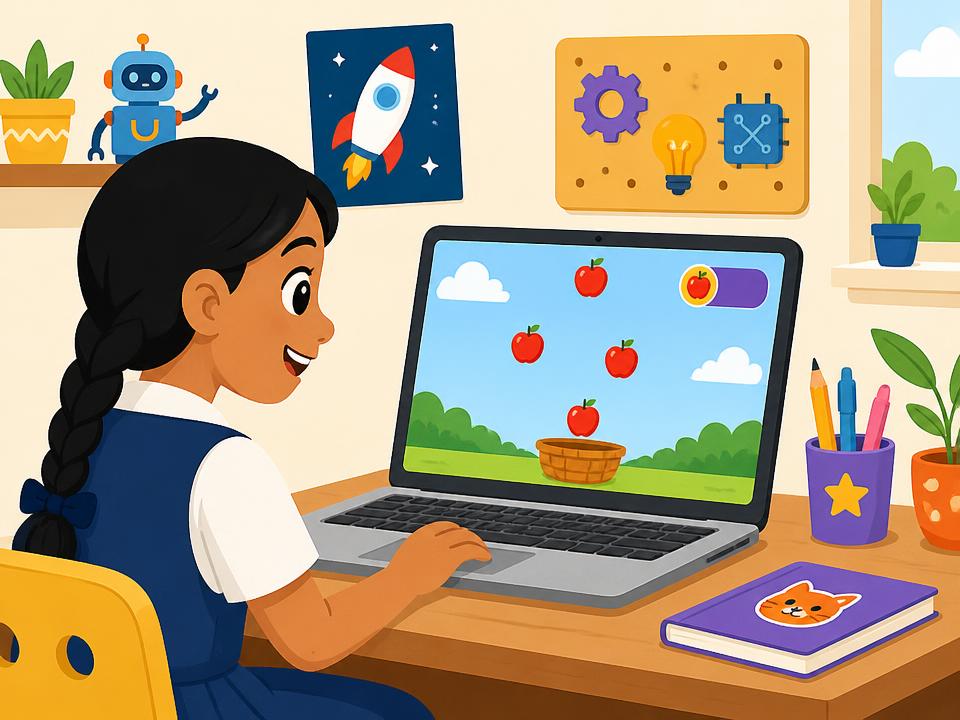
Apple Catcher Game

Apple Catcher Game

Build a Scratch game with scoring, movement and collision detection.
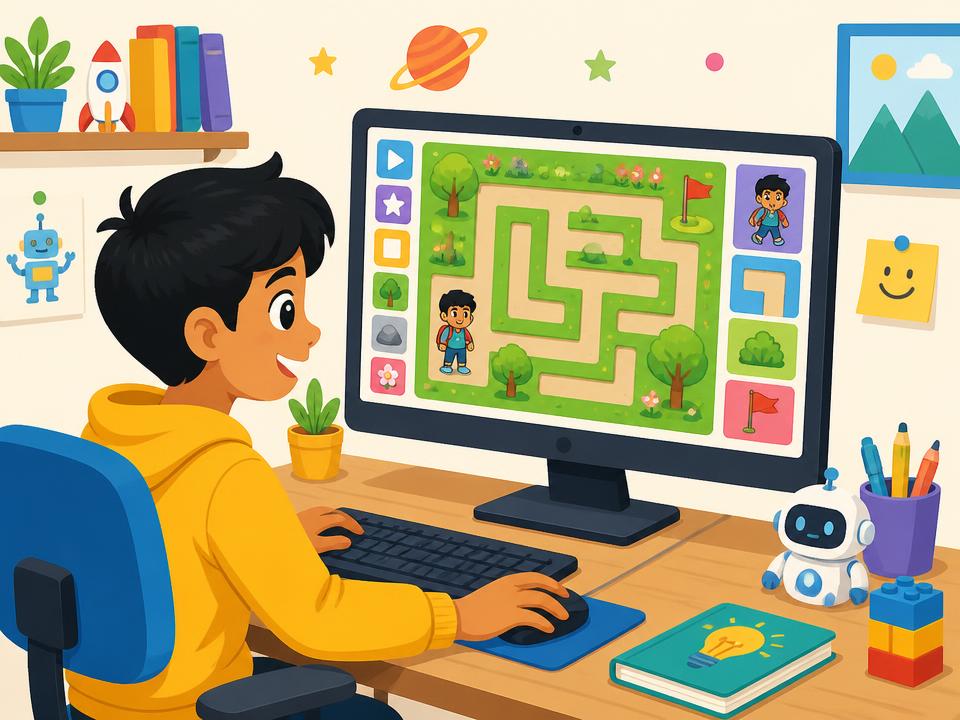
Maze Adventure Game

Maze Adventure Game

Design a complete interactive maze challenge.

Interactive Quiz Game

Interactive Quiz Game

Create a digital quiz with scores and multiple questions.
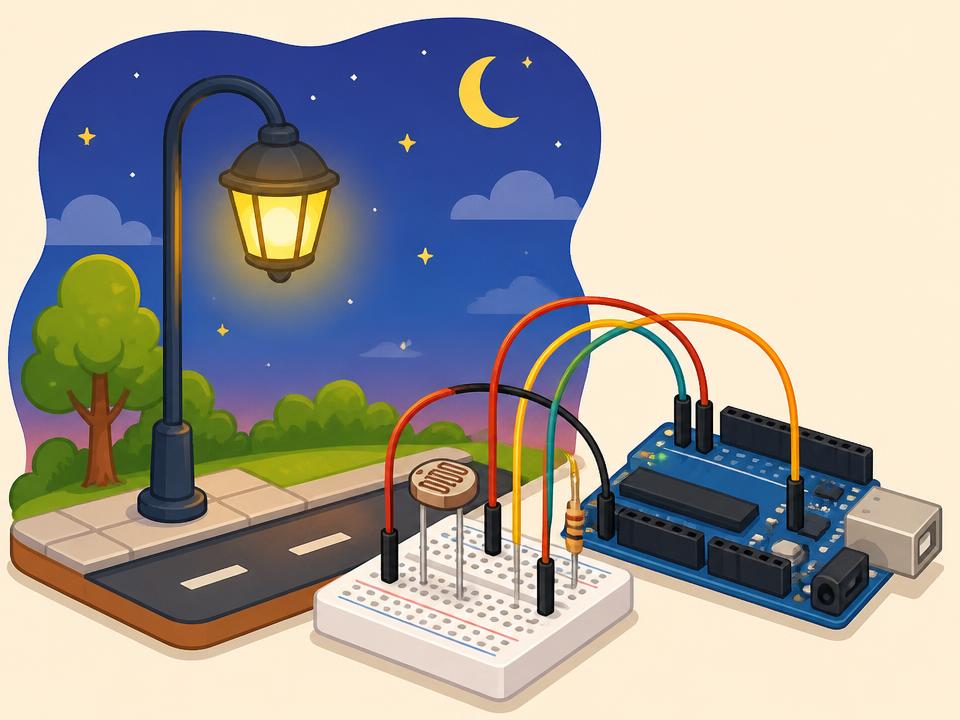
Automatic Street Light

Automatic Street Light

Use a light sensor to automatically control an LED.
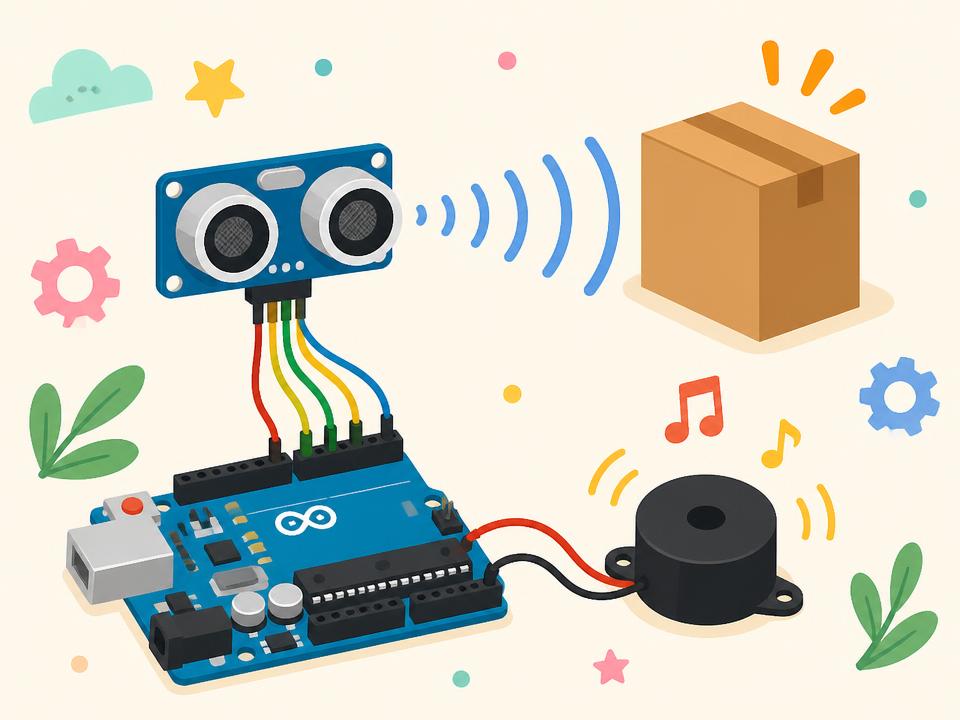
Obstacle Distance Alarm

Obstacle Distance Alarm

Use an ultrasonic sensor and buzzer to detect nearby objects.
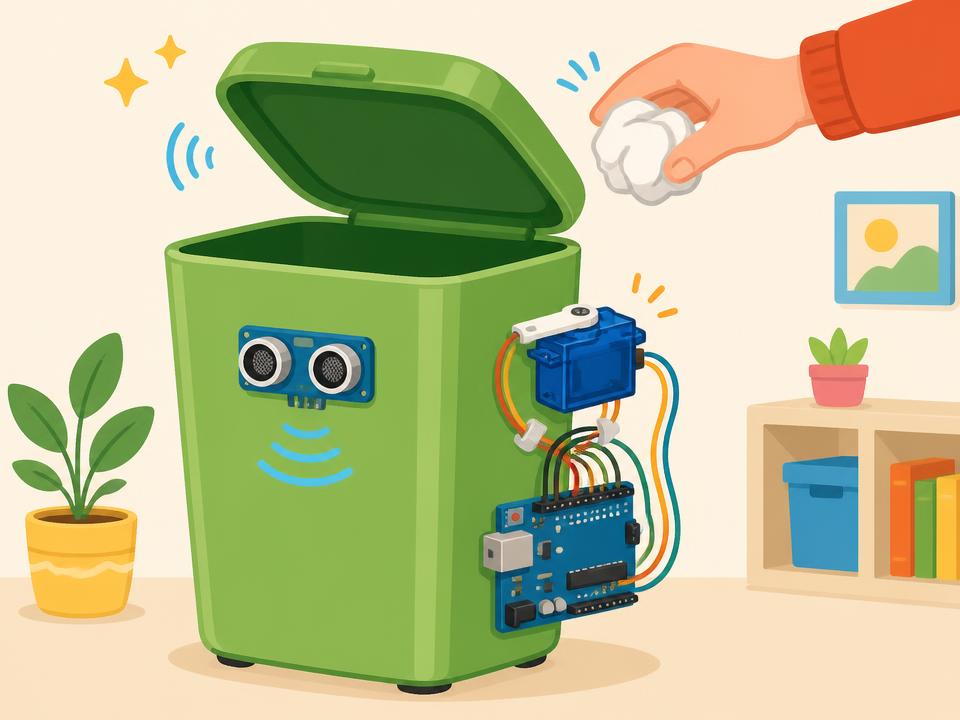
Smart Dustbin

Smart Dustbin

Create an automatic lid-opening dustbin using an ultrasonic sensor and servo motor.
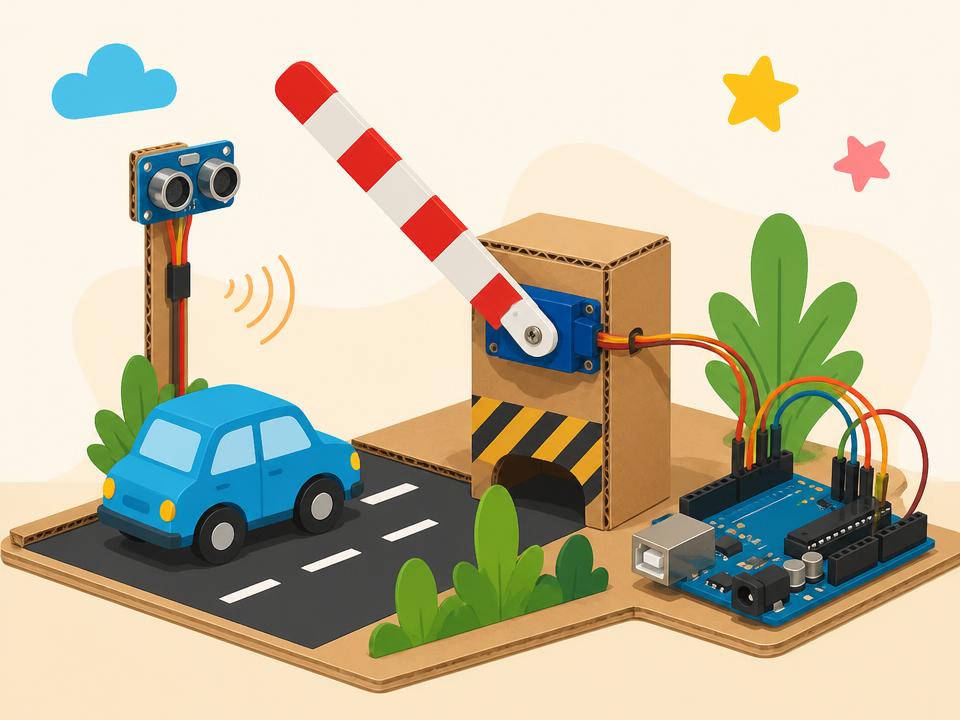
Smart Parking Gate

Smart Parking Gate

Build an automatic gate that opens when a vehicle approaches.
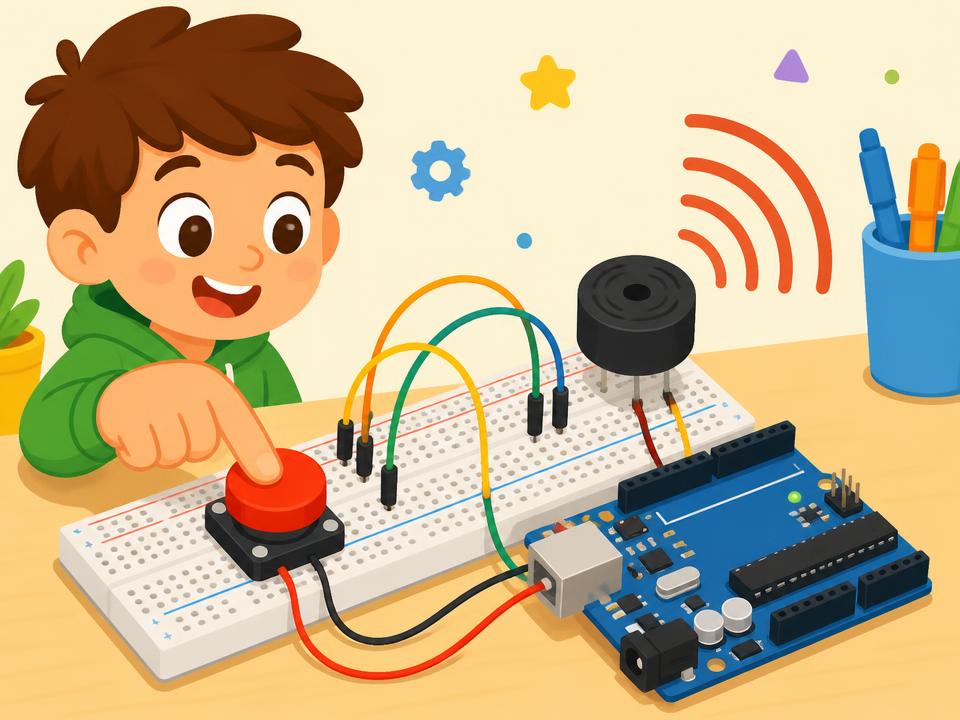
Digital Doorbell

Digital Doorbell

Create a button-controlled electronic doorbell system.
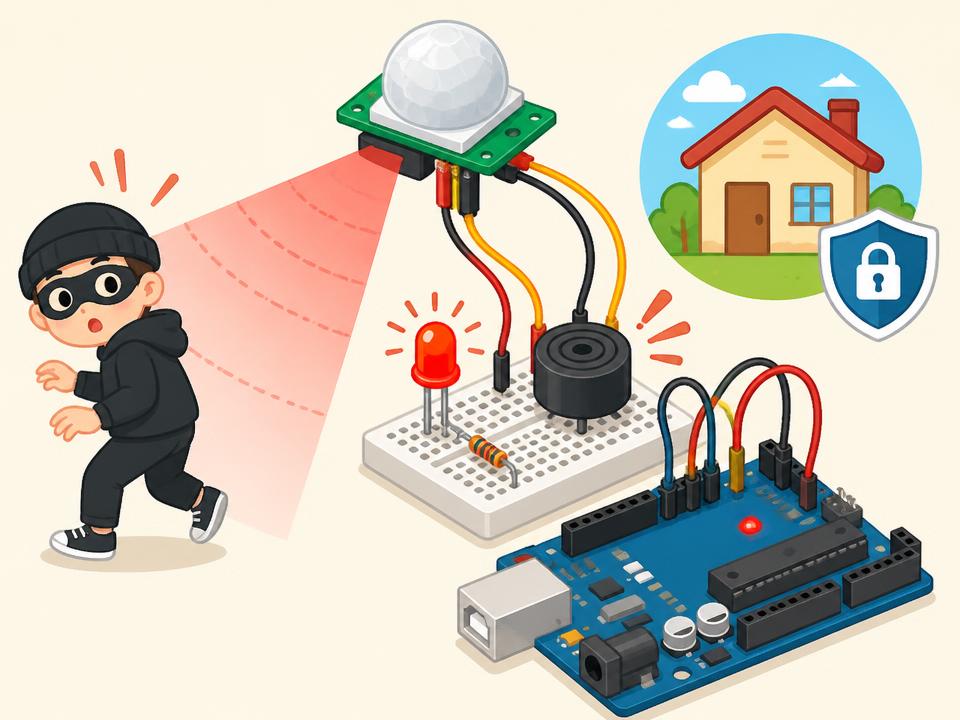
Mini Security Alarm

Mini Security Alarm

Detect movement or objects and activate an alert.

Outcomes

Skills Developed

By completing STEM Creator, students develop:

Computational Thinking
Game-Design Skills
Circuit-Building Confidence
Sensor Understanding
Basic Programming
Creative Problem-Solving
Troubleshooting
Engineering Design
Team Collaboration
Level Outcome
bg-img
Level Outcome

Students progress from learning STEM concepts to programming and building working technology projects.

START LEARNING TODAY

Build Your Child's Future With STEM.

Give your child hands-on experience in coding, robotics, AI, electronics and IoT through engaging, project-based learning.

STEMAIR Academy STEM Learning